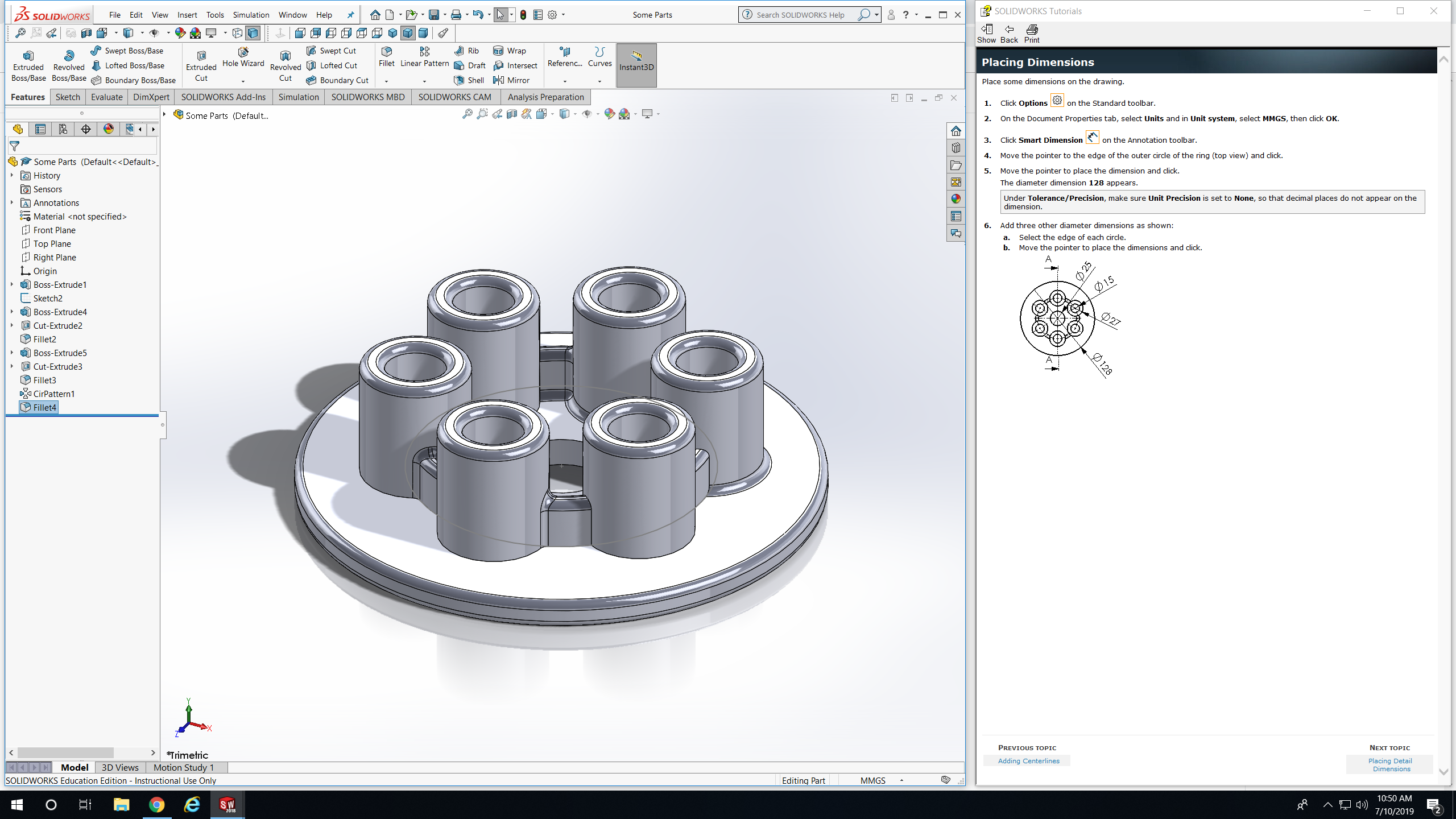
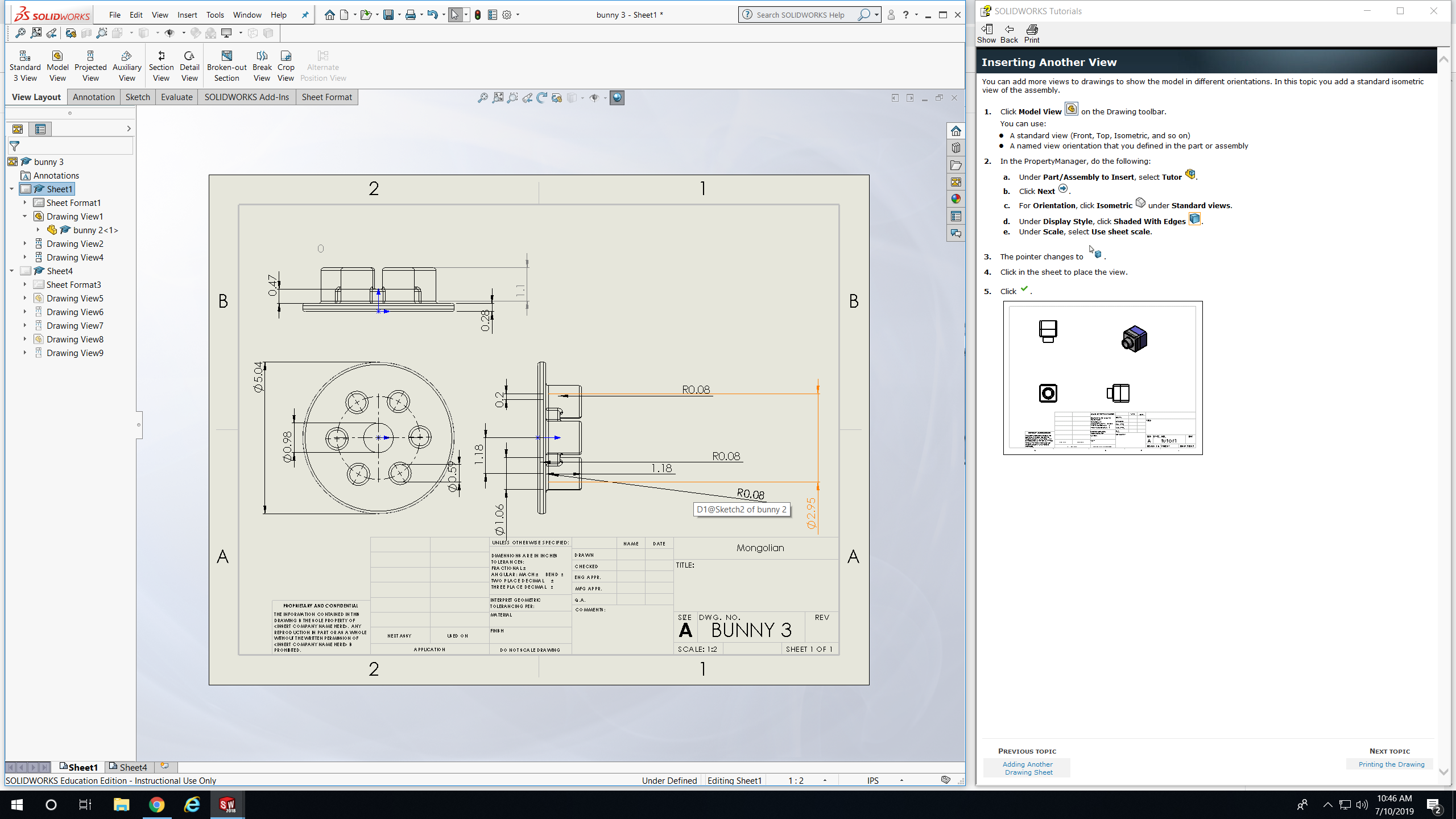
Today we learned more about how to create a part drawing and we completed the nameplate project. I will provide examples of what I learned below. So today I had to follow direction on how to create this complicated 6 circle model shown below. First I had to create a big circle after that I had to create a smaller circle inside the bigger circle and extrude it so there’s a hole in the middle of it. After that I have to put all the dimensions in for that part. Next I had to create a circle on the like which was about 45mm away from the center and I put a circle there and extruded it so it look like the model below, to have six other extruded circle just like it I had to do some complicated steps and follow the instruct. After I made the model I had to create a blueprint on it. In the blueprint I had to add different angles of the model and put the dimensions of all the sides and edges, so it others can see what I put for what the dimensions are. After that I got what is shown below, it was fun making the model and figuring out what to do and playing around with SOLIDWORKS to create the models.
 NyiUpwardBound