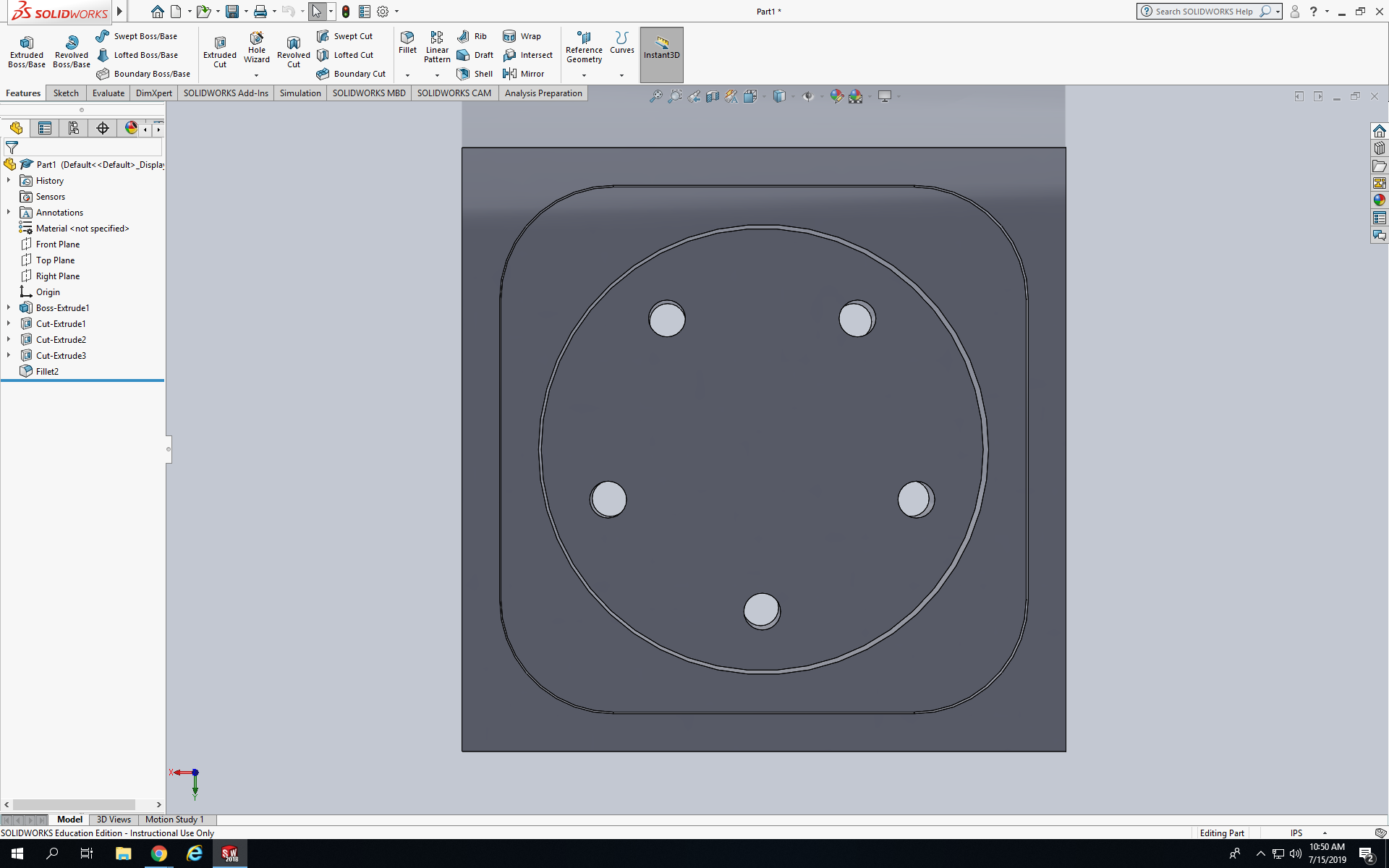
Today I learned how to create solid models within SolidWorks by using the Revolve features. Please explain how the revolve process works to create a solid model. Today I had to create a model named Hurco Ashtray, first I had to create a square with all the sides of 4in. Next I extruded the square to 1in, after that I created a another square on the front face of the square than I extrude cut it .125in down. Next I had to create a circle with the dimensions of 3in, after that I extrude cut the circle down to .375in. Last but not less I created one little circle in the front face of the circle and I clicked circular sketch pattern have it look like shown below.
 NyiUpwardBound