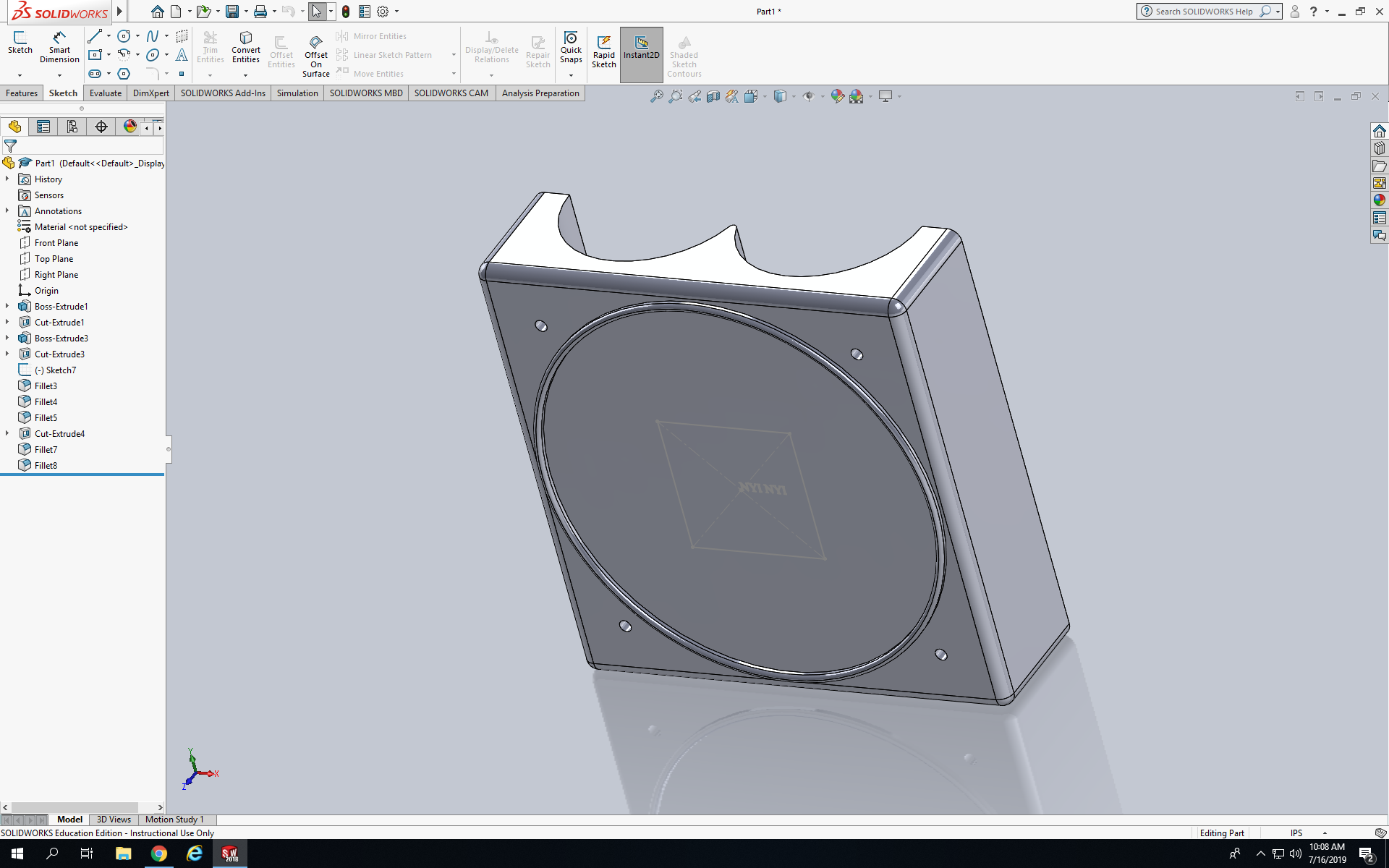
Today we created the housing parts and were introduced to the Hole Wizard feature. Explain how the Hole Wizard process works and explain the advantages of using the Hole Wizard feature over the Extruded Cut process. Today I had to create a model called the Sample Helipad. First I created a square that had dimensions of 7.25in, after that I put two circle on the side of the model and I extrude cut it all the way through as shown below. Next I sketch two circle on the front face of the square, the dimensions of one circle is 6.5in and the other one was 6.75in and I extrude cut the 6.5 circle down .125in. Next I sketch a square on the font face of the circle so I can put my name inside of the square, after that I sketch a circle next to the cancer of the first square I created. I smart dimension the circle from the the center to be 2.687in, after I clicked circular pattern and made 3 more circles. Last I fillet all the sides on the front face and the corners to .2in.
 NyiUpwardBound