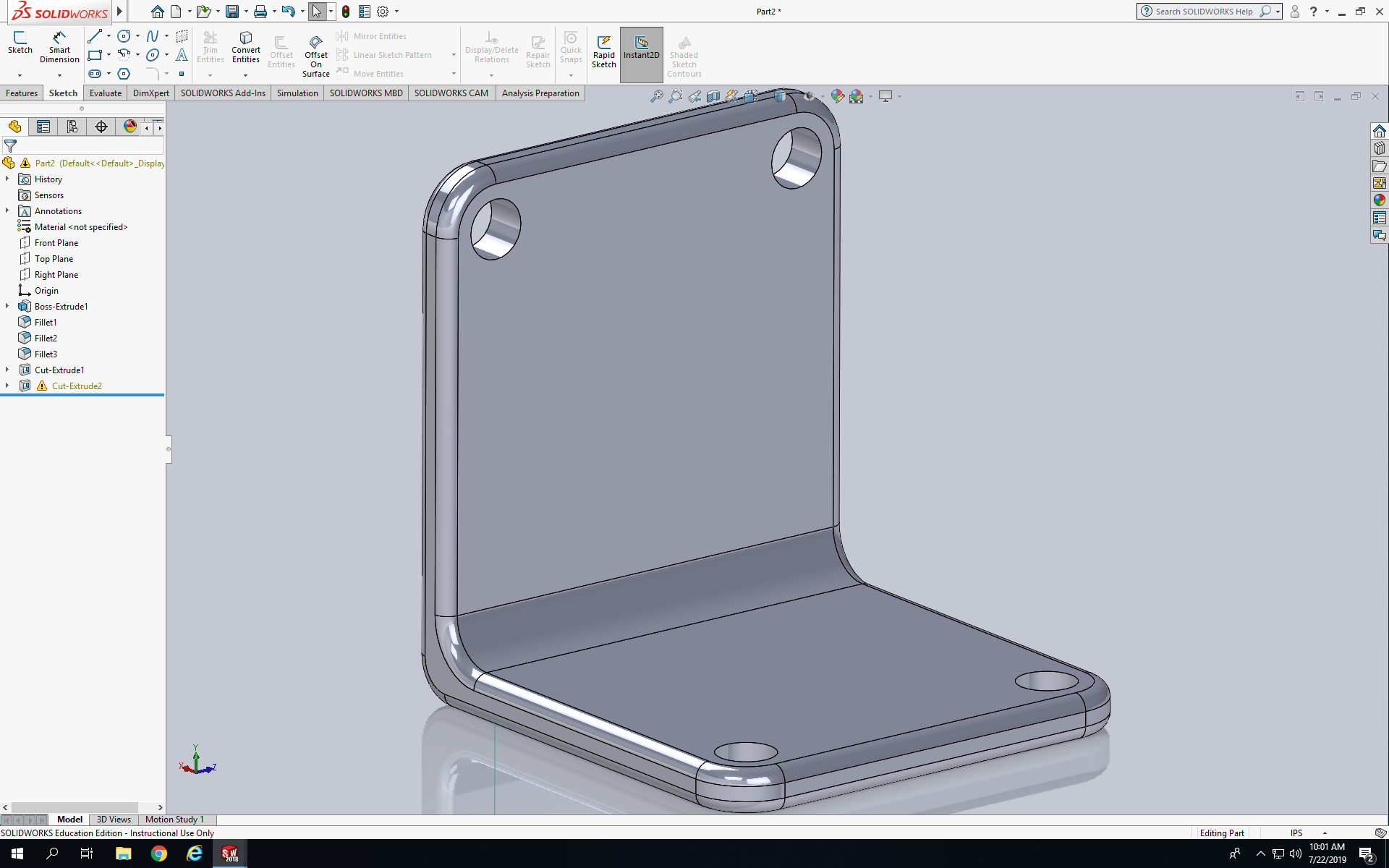
Today we were introduced to the Loft features in SolidWorks. Today I had to create a model call 90 Degree Bracket. First I sketched a lines that looks like a L but is flipped on the left side and than I created another L the was flipped on top of the first L, after that I connected the Ls so it looked like a box L as shown below. Next I dimension it the height is 4.375in than I dimension the sides to 0.375in, after that I dimension the radius where the two lines meet to create a L to R0.375. Next I extruded it to 4in, after that I fillet the sides and the edges to R0.125 as show below. Next I sketched a circle on the side face at the left edge, I dimension the circle to be 0.5in and I dimension the circle and the top side to 0.5in and the circle with the left side to .5in. Last I repeat the steps for the circle on all the edges.
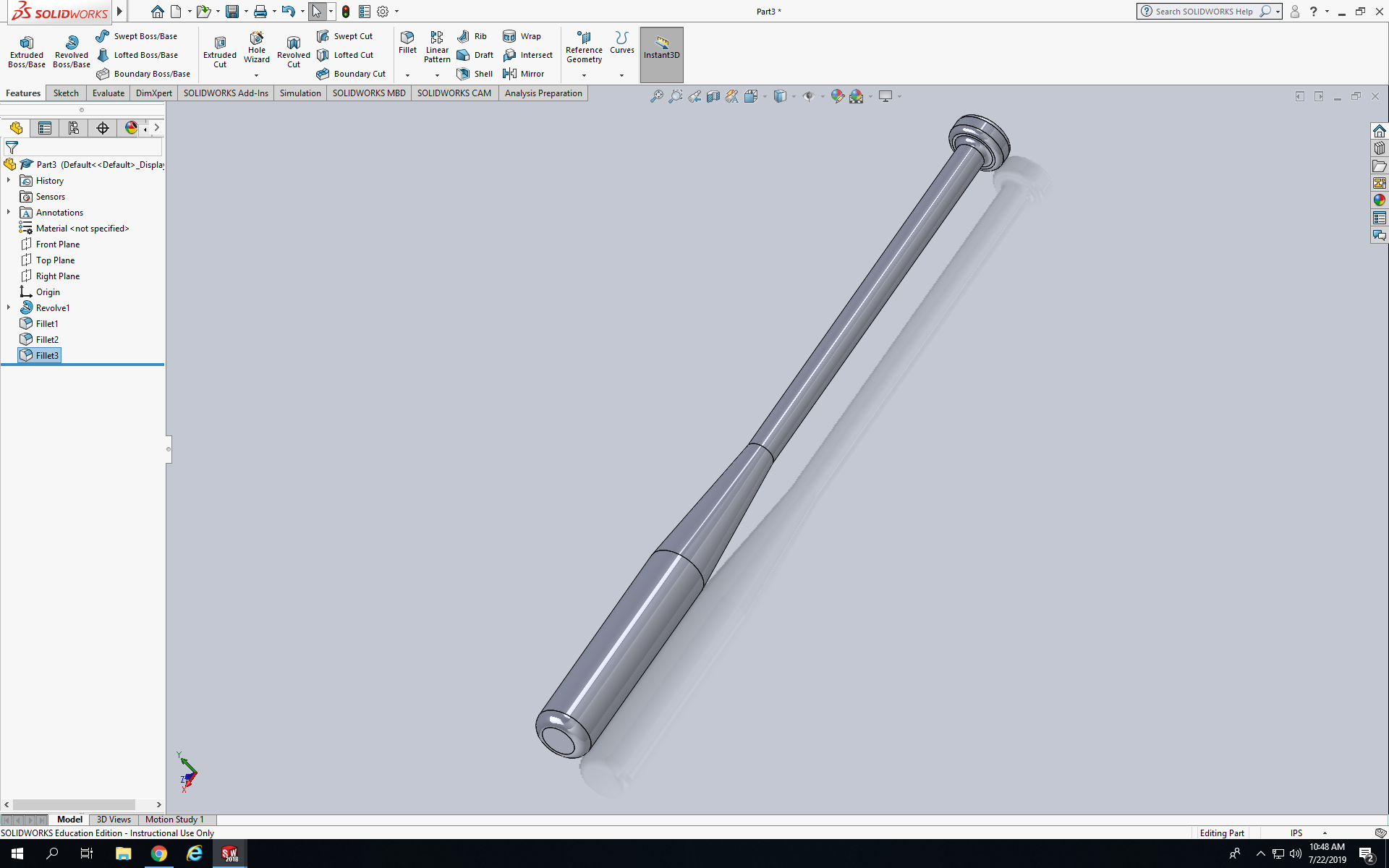
This model is called Baseball Bat, to make it first sketch half of the bat just using lines so it look similar to the model. Next I dimensions the lines but the heights for the bat is divided by 2 because it’s the half of the bat. The base of the bat was 0.992in wide and the whole dimension of the bat was 36in long. Next I press Revolved boss/base and that created the other half of the bat and made it hole. Last I fillet the base of the bat to Ro.250in and the top of the bat to R0.500in to get what is show above.
 NyiUpwardBound