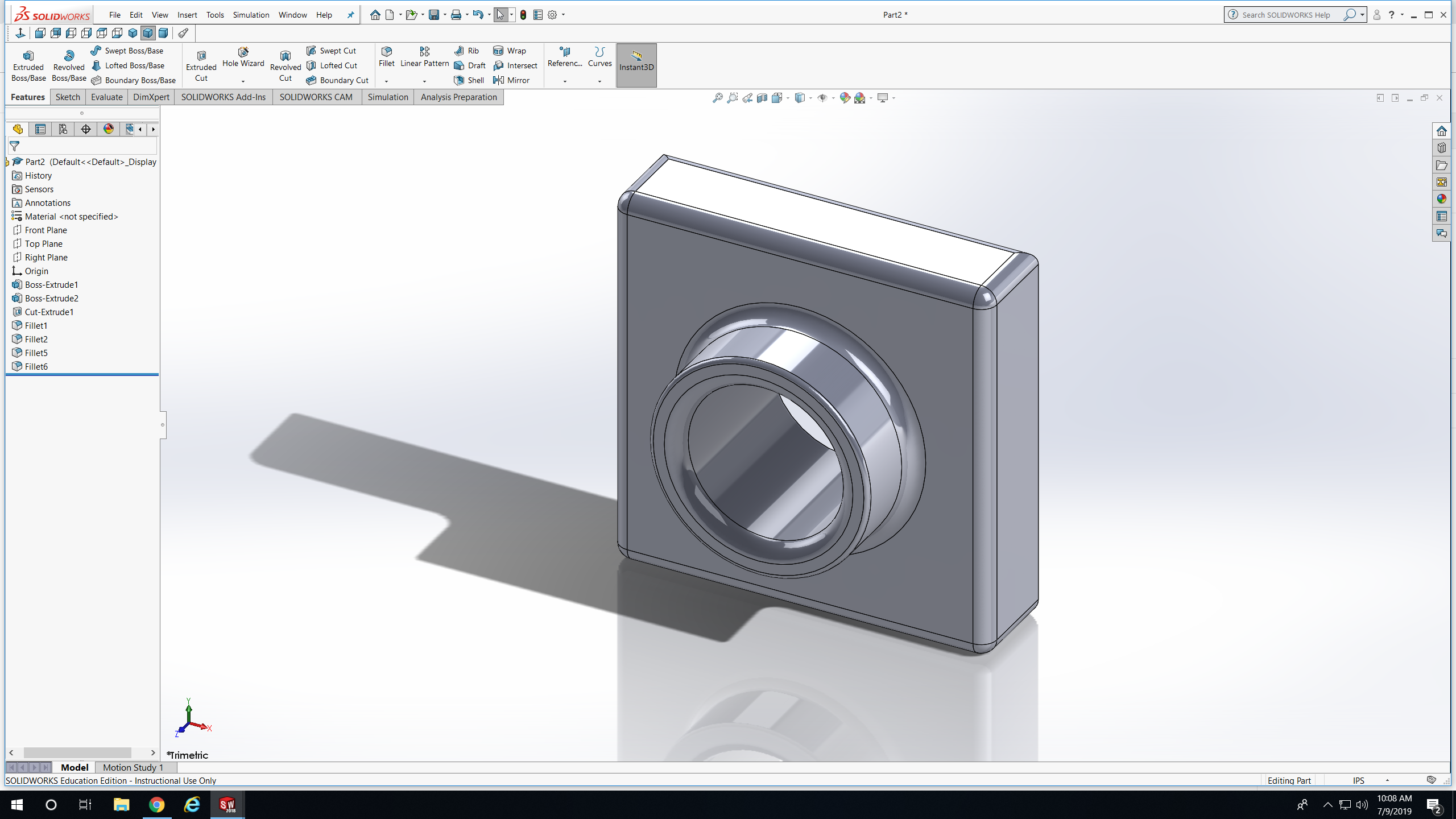
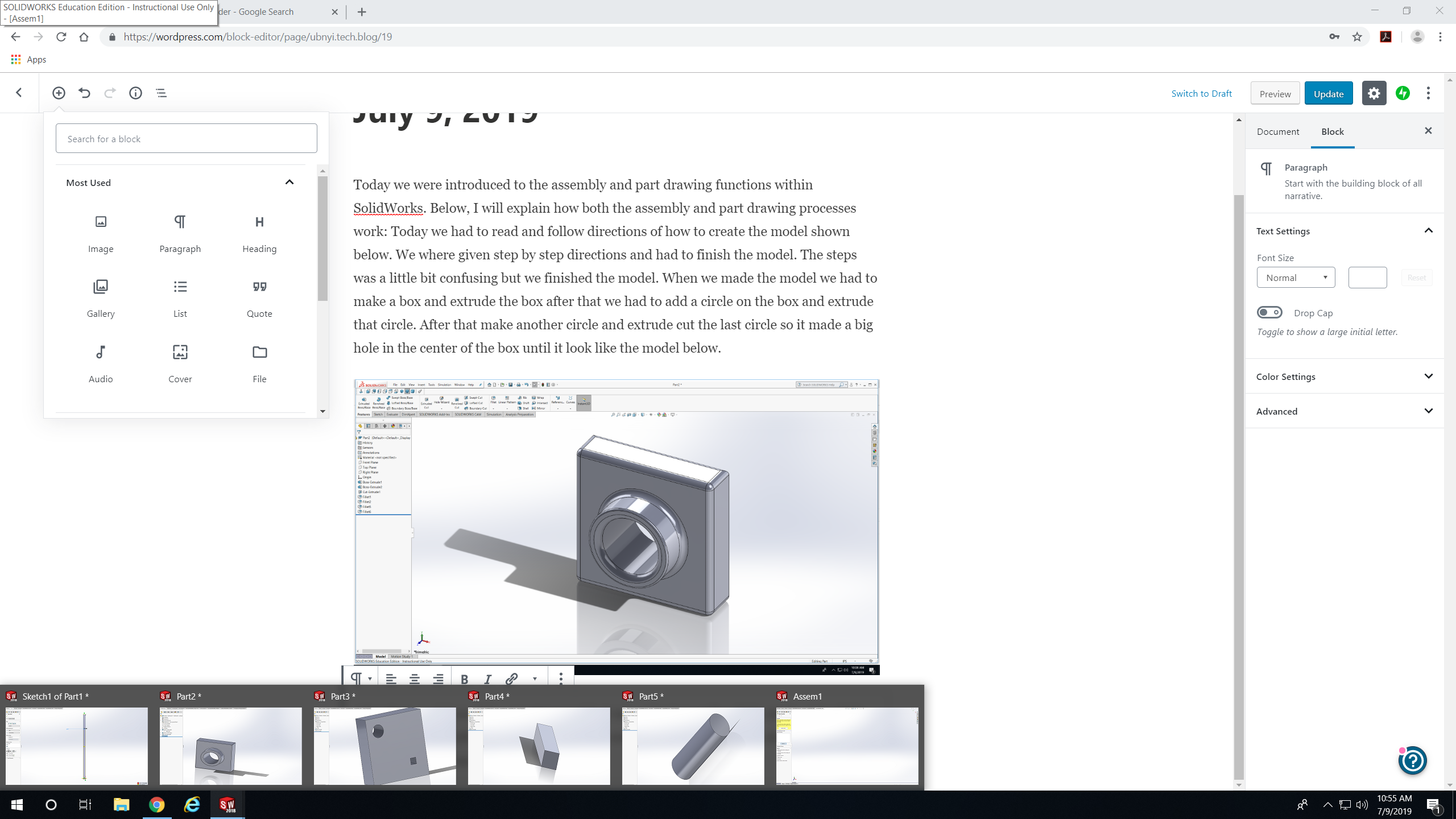
Today we were introduced to the assembly and part drawing functions within SolidWorks. Below, I will explain how both the assembly and part drawing processes work: Today we had to read and follow directions of how to create the model shown below. We where given step by step directions and had to finish the model. The steps was a little bit confusing but we finished the model. When we made the model we had to make a box and extrude the box after that we had to add a circle on the box and extrude that circle. After that make another circle and extrude cut the last circle so it made a big hole in the center of the box until it look like the model below.
After that model we did a practice model it was a big box with a little circle and a little square inside it. After the pars are done we extrude cut the parts so a circular object and a squalor object can go throw it. Than we parts that can fit in the big box.
 NyiUpwardBound